
How We Calculate
Reviewed: September 24, 2026
Internal technical review: Rock Calculator publishing process
Last updated: September 24, 2026
Reference basis: fixed unit conversions follow the NIST SI conversion tables. Bulk density is product- and condition-specific; the FHWA Field Materials Manual documents aggregate sampling and moisture-density testing; supplier or project data for the actual product and condition should replace the planning preset when available. The USGS aggregates program is used for aggregate terminology and scope. Read the full methodology and limitations.
This page explains the formulas, conversion factors, density assumptions, waste factors, and practical limits used by our calculators. Results are estimates designed for project planning before ordering, not guaranteed supplier weights.
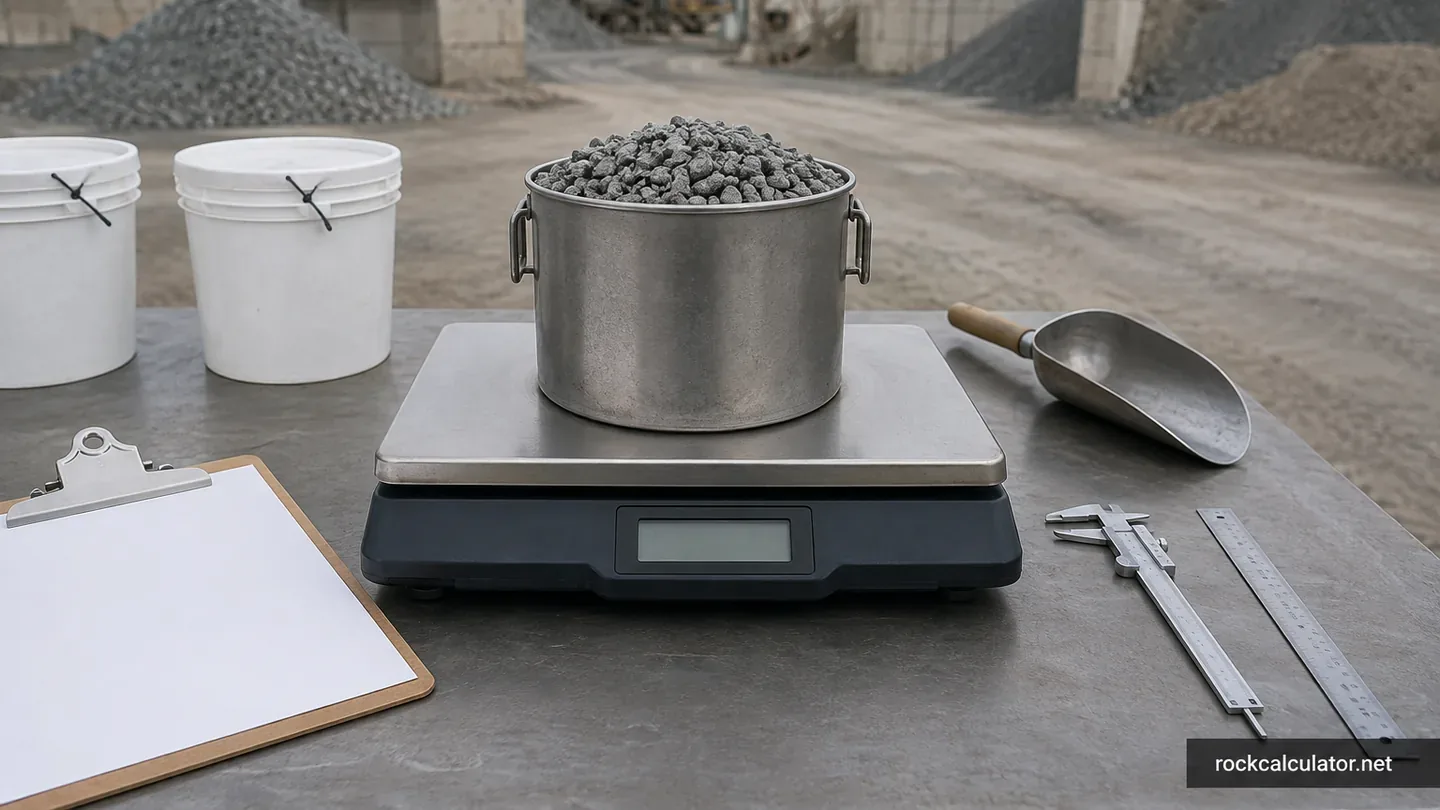
Rock, gravel, stone, limestone, granite, pea gravel, river rock, crushed stone, and sand are usually ordered by cubic yard, ton, truckload, or bag. The calculators convert field measurements into those ordering units so you can compare supplier quotes and reduce the risk of over-ordering or running short.
Core Formula
For rectangular projects such as driveways, paths, patios, garden beds, and base layers, we use:
Volume (cubic feet) = Length x Width x Depth
Length and width are measured in feet on the dedicated material calculators. Depth is entered in inches, then converted to feet before volume is calculated.
For circular projects such as tree rings, round beds, fire pit zones, and circular decorative areas, the main calculator uses:
Area = pi x radius x radius
Volume = Area x Depth
For trench-style projects, the main calculator uses trench length, trench width, and depth. For users who already know the volume, the direct-volume mode accepts cubic meters, cubic feet, or cubic yards and converts from that known amount.
The square-feet conversion tool accepts a known area directly, so it does not require length and width. The solid-stone tool uses three piece dimensions, a stated shape factor, solid density in kg/m³, and quantity; it intentionally does not use loose aggregate bulk density.
Unit Conversions
The calculators keep the volume math consistent by converting dimensions into one base unit before displaying the final results. These constants are used across the site:
- 1 cubic yard = 27 cubic feet
- 1 foot = 12 inches
- 1 cubic yard = 0.764554858 cubic meters
- 1 cubic foot = 0.0283168466 cubic meters
- 1 short ton = 2,000 pounds
- Tons = Cubic yards x Density (tons per cubic yard)
Source basis: dimensional conversions use the NIST SI conversion tables. The NIST alphabetical conversion table gives 907.1847 kg for a short ton and 1,186.553 kg/m³ for one short ton per cubic yard. Density, waste, compaction, and coverage guidance are planning assumptions rather than fixed physical constants.
Bulk density must match the exact material and condition. The FHWA Field Materials Manual documents aggregate sampling and moisture-density procedures, including the need to evaluate field density against an appropriate reference density. The USGS aggregates program provides the terminology and industry scope used on this site. A supplier or project test value should replace a planning preset whenever available.
For example, a 20 ft by 10 ft area at 3 inches deep has 50 cubic feet of material volume. Dividing by 27 gives about 1.85 cubic yards. If the selected material uses a planning density of 1.35 tons per cubic yard, the estimated weight is about 2.50 tons before any waste or compaction allowance.
Material Density Assumptions
Density varies by quarry, moisture, gradation, stone size, and compaction. General presets are illustrative bulk values, not certified densities for either an installed layer or a specific loose delivery. They also differ from solid mineral density because bulk material contains voids. A volume-to-weight multiplication is reliable only when density and volume describe the same material state.
We use practical ranges for planning and always recommend confirming exact values with your supplier. If your supplier gives a product-specific tons-per-cubic-yard value, use that value for final ordering.
| Material | Default calculator value | Typical planning range (tons per cubic yard) | Common use |
|---|---|---|---|
| Gravel | 1.35 | 1.30 to 1.60 | General landscaping, utility coverage, light driveways |
| Pea gravel | 1.50 | 1.35 to 1.60 | Walkways, patios, playground surfaces, garden beds |
| Crushed stone | 1.60 | 1.45 to 1.70 | Driveways, base layers, drainage, construction fill |
| Clean #57 stone | 1.60 | 1.45 to 1.70 | Specified open-graded drainage or structural layers; not a generic dense-graded base |
| Crushed Stone #8 | 1.55 | 1.40 to 1.65 | Walkway top layers, bedding, finish stone |
| River rock | 1.60 | 1.35 to 1.65 | Decorative beds, drainage swales, dry creek accents |
| River Rock (3-5 in) | 1.60 | 1.35 to 1.65 | Drainage areas, creek beds, erosion-resistant accents |
| Granite | 1.65 | 1.50 to 1.75 | Durable paths, driveways, decorative landscape surfaces |
| Crushed granite | 1.65 | 1.50 to 1.75 | Driveways, patios, compacted paths, high-traffic areas |
| Decomposed granite | 1.70 | 1.55 to 1.80 | Compacted natural paths, patios, courtyards |
| Limestone | 1.55 | 1.40 to 1.65 | Road base, driveway stone, compacted subbase layers |
| Lava rock | 0.80 | 0.70 to 0.95 | Lightweight decorative beds and xeriscaping |
| Trap rock | 1.85 | 1.70 to 1.95 | Heavy-duty base layers, road work, durable drainage |
| Marble chips | 1.55 | 1.40 to 1.65 | Decorative borders, bright landscape beds, accents |
| White rock | 1.55 | 1.40 to 1.65 | Modern landscape beds, display zones, edging |
| Mexican beach pebbles | 1.60 | 1.45 to 1.70 | Premium decorative beds, water features, containers |
| Slate chips | 1.50 | 1.35 to 1.60 | Decorative paths, borders, colored landscape accents |
| Riprap | 1.80 | 1.60 to 2.00 | Erosion control, drainage channels, slopes, outfalls |
| Sand | 1.31 | 1.25 to 1.55 | Paver bedding, leveling, fill, comparison estimates |
| Crusher run / aggregate base | 1.65 | Supplier value preferred | Compacted driveway and base layers |
| Stone dust / screenings | 1.50 | Supplier value preferred | Leveling, paths, and selected base applications |
| Drainage stone | 1.50 | Supplier value preferred | French drains and open-graded drainage layers |
| Gabion stone | 1.70 | Supplier value preferred | Gabion baskets and large angular-stone structures |
| Topsoil | 1.00 | Supplier value preferred | Bulk screened soil coverage |
| Fill dirt | 1.10 | Supplier value preferred | Bulk fill and grading |
| Compost | 0.60 | Supplier value preferred | Bulk soil amendment |
| Mulch | 0.25 | Supplier value preferred | Loose landscape cover |
Waste, Compaction, and Ordering
The measured quantity is the default result. No waste, settlement, or compaction percentage is added automatically. The main calculator keeps waste and compaction as separate opt-in fields; compaction remains unavailable for rounded, decorative, or oversized materials and has no universal default. Enter a value only when it is supported by the project specification, supplier, contractor, or a measured field condition.
Waste covers defined handling, trimming, edge, or field loss. A compaction or settlement allowance converts a required installed condition to the loose quantity needed before placement. They describe different effects, but using both for the same uncertainty double-counts material. The dedicated calculators offer one user-entered ordering allowance and label it separately from base measured quantity.
When an explicit ordering allowance is entered, the recommended order is calculated after the base tons are found:
Recommended tons = estimated tons x (1 + waste percentage / 100)
The dedicated calculators also show Coverage Area, calculated as length x width. Coverage area helps users verify the square footage being covered before depth, density, waste, bags, or cost are applied.
Compaction can change installed depth. Loose gravel may settle after being driven on or compacted with equipment. If a project requires a finished compacted thickness, ask whether the supplier or contractor wants the order based on loose depth, compacted depth, or a compaction factor. Rounded and decorative materials such as pea gravel, river rock, Mexican beach pebbles, slate chips, marble chips, lava rock, and riprap are not treated as compactable in the main calculator.
State rule for driveway and road-base courses
The two-course calculators first show installed compacted cubic yards from the specified course depths. When the entered density describes that installed state, the loose-to-installed yield factor stays at 1.00. When a supplier instead documents loose delivered density, enter the supplier’s loose-delivered-yards-per-installed-yard factor; the calculator then shows a separate density-state order volume before multiplying by that loose density. The waste or field allowance is applied once after the state conversion and is not a substitute for the yield factor.
Cost and Bag Estimates
Cost results are optional planning estimates. On the dedicated calculators, the cost is based on recommended tons multiplied by the price per ton you enter. On the main calculator, cost can be calculated by ton or by cubic yard, with optional delivery, tax, and currency conversion settings.
Bag counts are rounded up because partial bags cannot normally be purchased. A result of 13.1 bags becomes 14 bags. This intentionally avoids under-ordering for small projects.
Rounding and Display Rules
Most visible values are rounded to a practical number of decimal places so they are readable. Rounding is for display only; internal calculations use full numeric values where possible. Very large numbers may be shown in scientific notation to avoid overflowing result cards.
Testing Record
Last executed: September 24, 2026. Thirty known-answer checks cover the main shape formulas, ordering allowances, area and layered takeoffs, French drain displacement, bag coverage, solid-stone mass, reverse tonnage conversion, and material comparison. Site checks also parse JSON-LD and the sitemap, verify local links and image assets, and exercise calculator examples at mobile and desktop widths. Test reports are retained with the site-maintenance working files.
These are software and content checks. They do not measure a quarry product, certify material density, inspect a job site, or replace engineering review.
What Our Results Do Not Replace
Our calculators are planning tools. They do not replace on-site measurement, engineering requirements, or supplier-specific density and moisture tests. Always validate final order quantities with your supplier.
Final project needs can change because of excavation depth, slope, subgrade condition, drainage fabric, edging, compaction equipment, moisture, supplier loading method, and local product gradation. For engineered, permitted, or load-bearing work, use project specifications and professional guidance first.
Source and Review Policy
Density assumptions are reviewed as practical planning values and are kept intentionally conservative. We compare formula behavior against common material-estimating relationships and representative examples before publishing updates. We also maintain a separate Editorial Policy explaining how corrections and updates are handled.
If you notice a formula issue, confusing explanation, or material value that does not match common supplier practice in your region, contact us with the page URL, material name, and supplier value you expected. We review reports that affect calculation accuracy before routine content edits.