
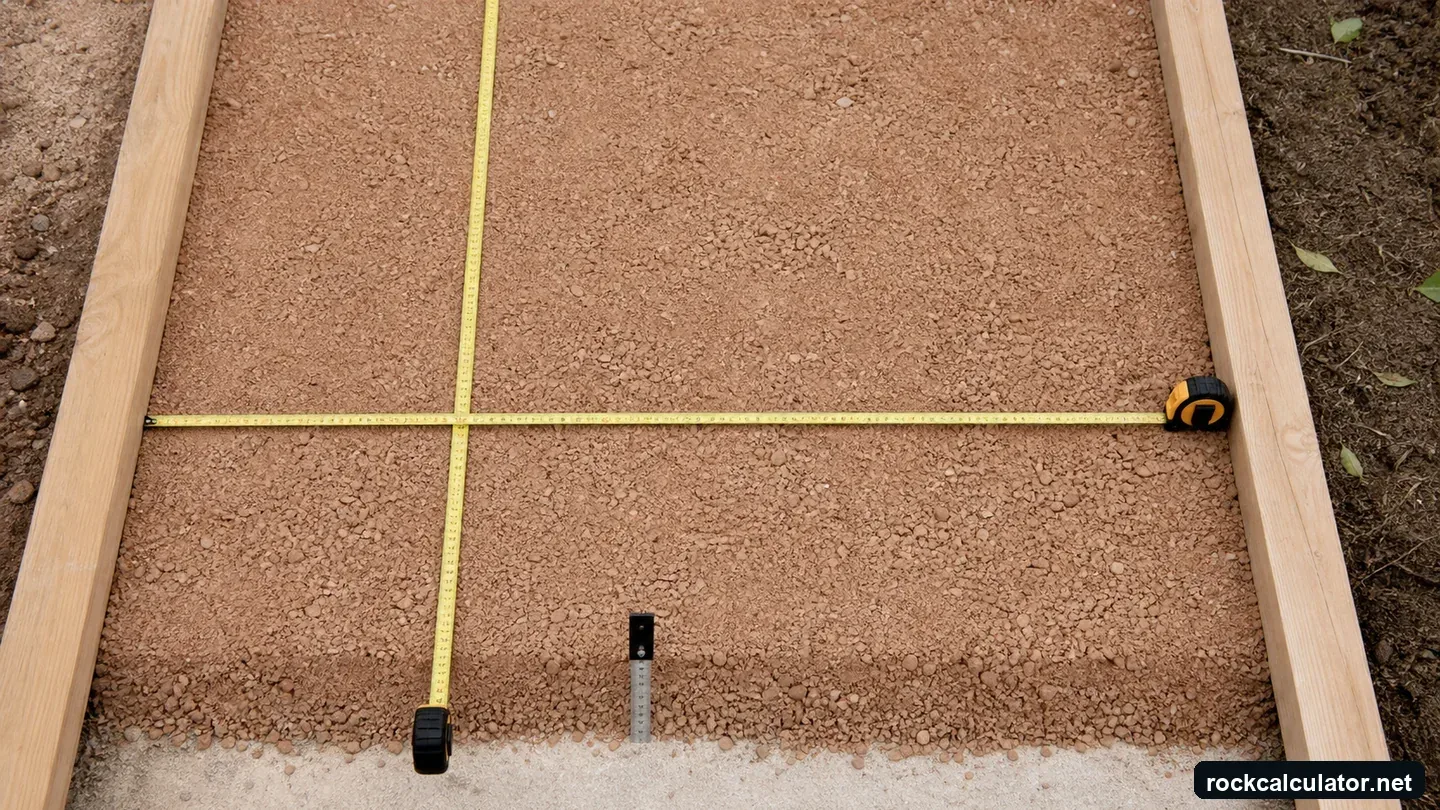
What this sand calculator returns
Quick answer: Estimate rectangular sand volume, short tons, bags, and optional material cost for bedding, leveling, fill, landscape, and other measured layers.
Measure the layer the sand itself will occupy. Bedding sand, joint sand, masonry sand, concrete sand, play sand, and fill sand should be calculated separately because their depths, uses, and products differ.
Formula used by the calculator
Installed cubic feet = length × width × (depth in inches ÷ 12)
Installed cubic yards = cubic feet ÷ 27
Base short tons = cubic yards × density for the same material state
Recommended short tons = base short tons × (1 + stated allowance ÷ 100)
Sand source basis: unit conversions follow NIST. The USGS construction sand and gravel series is the terminology source. Moisture, grading, and placement condition can materially change bulk density, so use the selected preset only for planning and replace it with supplier data before ordering. Method and limits.
On the Sand Calculator, estimated cost equals recommended short tons multiplied by the entered price per ton. Bag count converts recommended tons to pounds, divides by the selected bag weight, and rounds upward. Coverage is length multiplied by width; depth is still required before area becomes volume.
Density is an editable conversion, not a universal constant
The page opens with 1.31 short tons per cubic yard as an example density for sand. Sand bulk density is sensitive to grading, moisture, compaction, and how it is loaded. Wet sand can weigh differently from a dry loose planning value, and bag yield should come from the product label.
If a supplier provides a different tons-per-yard figure, first check whether it describes the installed layer or loose delivered sand. Use it directly only when the material states match; otherwise obtain a documented yield conversion. Solid mineral density cannot stand in for bulk sand with voids between grains.
Worked sand example
Example values: 20 ft × 15 ft × (2 in ÷ 12) ÷ 27 = 1.85 yd³. At 1.31 short tons/yd³, base weight is 2.43 short tons; with 5% allowance, the example order is 2.55 short tons. Replace these values with project and supplier data.
Turn the result into an order
Use cubic yards for volume and supplier density for tonnage. For bagged products, select the actual bag weight and round upward; for pavers, keep bedding and jointing products in separate takeoffs.
Keep bedding sand as a measured bulk-volume calculation. Joint sand is a packaged product whose coverage depends on the manufacturer’s label, paver size, joint width, joint depth, and installation instructions; use the Paver Sand Calculator with the current package coverage rather than converting a generic wet bulk density into bags.
Common sand estimating errors
- Using one sand quantity for both a bedding layer and joint fill.
- Applying a dry loose density to a wet delivered load without supplier confirmation.
- Treating excavated depth as sand depth when base aggregate or pavers occupy part of the section.
Questions specific to sand
Does wet sand weigh more than dry sand?
Moisture changes delivered bulk weight and can also affect bulking. Use a supplier-specific tons-per-yard relationship for the product and condition being delivered.
Can I use this for paver sand?
Yes for a measured rectangular bedding layer, but joint sand usually uses product coverage rather than the same depth. The Paver Sand Calculator explains that distinction.
How many bags of sand do I need?
Enter area, depth, density, allowance, and the exact bag weight. The calculator converts recommended short tons to pounds and rounds to whole bags.
Does this calculate cement, mortar, or concrete mix ratios?
No. It measures sand as a bulk material. Mix proportions, yield, water, cementitious content, strength, and product requirements must come from the specified mix or manufacturer.