
Rock Calculator - Estimate Gravel and River Rock for Any Project
Reviewed: September 24, 2026
Internal technical review: Rock Calculator publishing process
Last updated: September 24, 2026
Reference basis: fixed unit conversions follow the NIST SI conversion tables. Bulk density is product- and condition-specific; the FHWA Field Materials Manual documents aggregate sampling and moisture-density testing; supplier or project data for the actual product and condition should replace the planning preset when available. The USGS aggregates program is used for aggregate terminology and scope. Read the full methodology and limitations.
What the Rock Calculator does
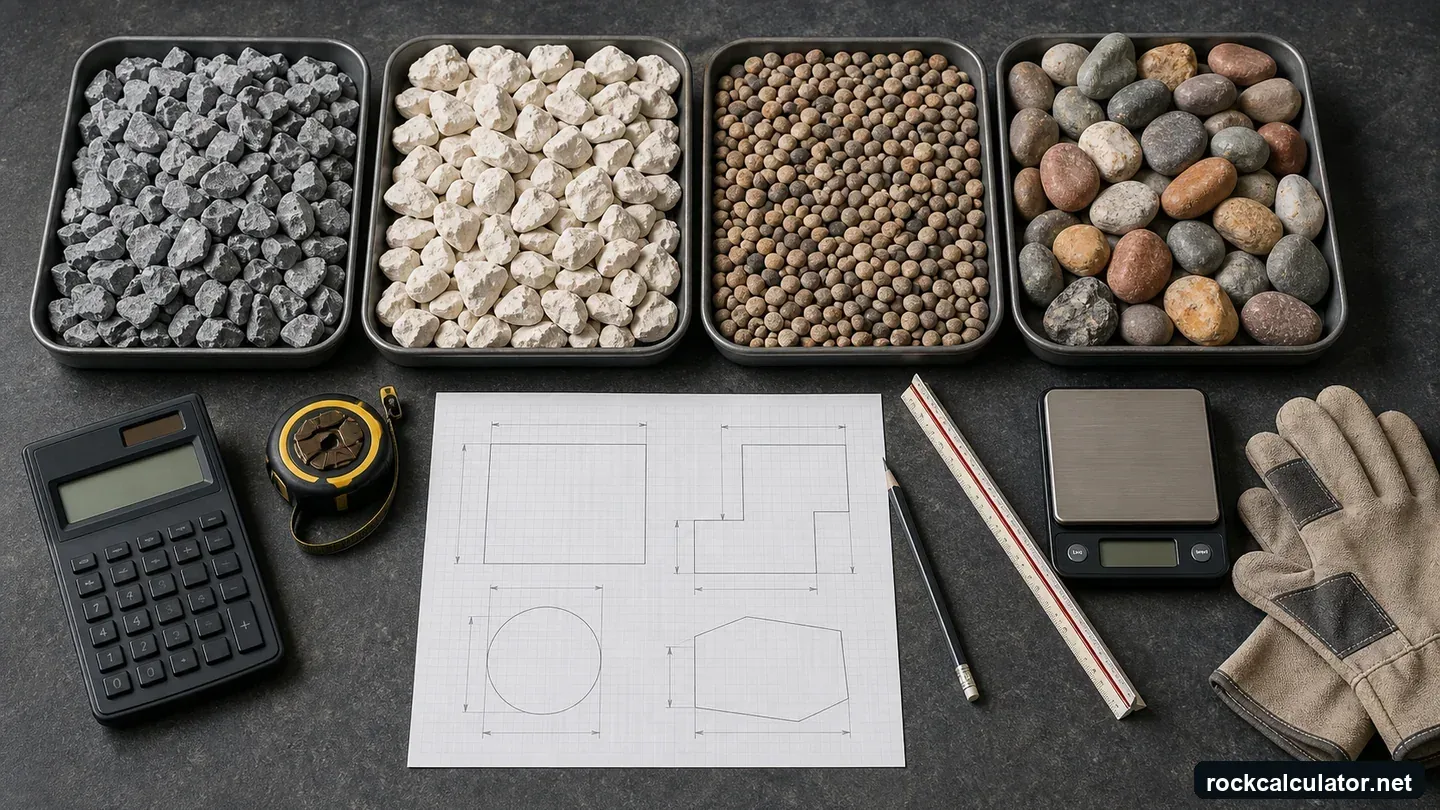
The calculator turns a measured footprint and installed depth into volume, then converts that volume to estimated weight with a stated material density. It can also estimate bags and user-entered cost, but supplier units, minimum loads, delivery, and material condition still need confirmation. Use the main Rock Calculator for several shapes and materials, or a focused calculator for gravel, crushed stone, river rock, granite, limestone, or sand.
Keep four decisions separate: geometry establishes installed volume; density converts a matching material state to weight; an allowance covers only its stated uncertainty; and supplier rules determine the final rounded purchase. This separation makes a quote comparison traceable.
How Does The Calculator Work?
Choose rectangle for beds, pads, and straight driveway segments; circle for round beds; trench for narrow runs; or direct volume when a plan or supplier already gives cubic measure. Divide irregular work into measured zones, preserve each zone’s unrounded volume, and calculate layers with different materials or depths separately.
Use installed depth for the geometric takeoff. If the density describes loose delivered material instead, convert the installed volume with a documented supplier or project yield factor before multiplying. A density and a volume must describe the same material state.
Input Options in The Calculator
Good results start with good inputs. Measure the area carefully, choose the depth based on the project type, select a realistic material density, and add a waste allowance when edges, slopes, or spreading loss are likely. These inputs help the calculator produce a useful estimate for a driveway, garden bed, pathway, drainage area, or patio base.
Updated Project, Density, and Adjustment Controls
The project type selector supplies planning guidance only: it shows a suggested depth and material without changing the form. The separate “Load project example” button fills sample depth and material values and enables a 10% demonstration allowance; replace them before ordering. Compaction remains off until the user enters and enables a documented percentage.
The material selector now covers common gravel, pea gravel, river rock, crushed stone grades, crushed granite, decomposed granite, limestone, lava rock, trap rock, marble chips, white rock, Mexican beach pebbles, slate chips, riprap, sand, and custom supplier values. When a material is selected, the calculator fills a planning density; when a supplier gives a local bulk density, the custom value should be used for final ordering.
The dedicated gravel, river rock, crushed stone, granite, limestone, pea gravel, and sand calculators now include an editable density field and a Coverage Area result. Coverage Area is calculated from length x width, while depth and density determine cubic yards, tons, recommended order, bag count, and cost.
Example Calculation
Assume that you wish to have a 20 ft x 15 ft rectangle of rock of a depth of 6 inches (0.5 ft).
Area = 20 x 15 = 300 ft2
Volume = 300 × 0.5 = 150 ft³ = 5.5556 yd³, displayed as 5.56 yd³.
Weight = Using full precision, 5.5556 yd³ × 1.60 short tons/yd³ = 8.8889 short tons, displayed as 8.89 short tons before any allowance.
Cost = Using the unrounded weight, 8.8889 × $50 = $444.44 before delivery, tax, waste, or compaction. Display rounding occurs after the calculation.
Common Uses of the Rock Calculator
The calculator works for small landscape beds and larger construction base projects. It is most helpful when you need a defensible starting quantity before choosing delivery size, bag count, or supplier quote. For granite-based landscaping or construction projects, try the Granite Calculator for granite volume and cost estimates.
Walkways and Driveways
Walkways and driveways need a stable rock layer that matches traffic and soil conditions. The calculator helps estimate base quantity from planned depth, then you can add waste or compaction allowances where appropriate.
For decorative stone, calculate the visible coverage layer; for a base course, measure the compacted design layer. Keeping area, depth, density, and allowance as separate inputs makes the estimate easier to review before ordering.
Decorative Stone Landscapes
Decorative stone is often more expensive than basic gravel, so careful estimating matters. Use the calculator to plan flower beds, tree rings, pathways, and accent areas before choosing a color or specialty stone. For California projects, the California Rock Quote Guide explains how to compare bag, pallet, cubic-yard, ton, and delivery quotes without treating unlike products as equivalent.
Rock Gardens and Borders
Rock gardens and borders add texture and definition to a landscape. The calculator helps match the design area and visible layer depth to a realistic material quantity.
Filling Drainage Ditches or French Drains
Drainage systems depend on enough open-graded rock to move water while keeping the trench or swale stable. Use the calculator to estimate fill volume, then confirm fabric, pipe, and stone-size requirements for the specific drainage design.
Erosion Control with Riprap
Riprap protects slopes, shorelines, culvert outlets, and drainage channels from erosion. These projects often use larger stone and larger volumes, so a calculator helps convert measured coverage and depth into estimated cubic yards and tons.
Base Layer Preparation
Patios, shed pads, roads, and other supported surfaces often need a compacted rock base. The calculator estimates the base quantity, while the final specification should account for soil conditions, compaction, and local construction requirements.
Hints on How to Use the Calculator
For better estimates, follow these practical points:
A 5–10% handling or edge-loss allowance can illustrate how an identified uncertainty changes the result, but it is not a universal order rule. Measure known repair zones separately and enter only an allowance supported by the actual layout, installer, supplier, or specification.
The main calculator has separate waste and compaction controls. Neither has a universal default, and “Load project example” does not enable compaction. On dedicated calculators, label the entered allowance and confirm that it does not duplicate a loose-to-installed conversion.
Select the exact product and gradation for the layer. Clean #57 is an open-graded, free-draining stone used where specified; a conventional compacted driveway or patio base may instead require dense-graded aggregate with suitable fines. Rounded river rock is generally used for decorative beds, dry creek beds, and specified drainage applications rather than a dense structural base.
Check density values. Custom or specialty materials can vary widely, and the wrong density can shift weight and cost estimates.
Consider delivery expenses. Rock is heavy, and transportation can be a major part of the project cost.
Before You Order
A rock calculator is a practical way to simplify project planning. It helps reduce excess material, avoid shortages, and compare bulk supplier quotes before delivery. Homeowners can use it for beds, paths, and patios, while contractors can use it for base layers, drainage trenches, parking pads, and erosion-control planning.
Keep the estimate traceable
Save the measured area, installed depth, material name, density source, allowance, and quote date together. That record is more useful than a rounded tonnage with no explanation of its assumptions.
Questions about measuring and ordering rock
How precise is a rock-calculator estimate?
The geometry is reproducible when the dimensions and units are correct. The order can still change with supplier density, moisture, gradation, compaction method, site irregularities, and the yard's load-rounding rules.
Which density should I use for tons per cubic yard?
Use a bulk-density or tons-per-yard figure for the exact product and the same material state as the volume being converted. If the quote describes loose delivered yards while the geometry describes an installed layer, obtain a documented yield factor first. A preset is a planning value, not a universal property of gravel or stone.
How should an irregular bed or driveway be measured?
Divide it into rectangles, circles, or short measured segments, calculate each section at its own depth, and add the unrounded volumes. Keep areas with different materials or layers as separate takeoff lines.
Are waste and compaction the same allowance?
No. Waste covers defined losses or uncertain edges; compaction describes a change between loose and installed material. Apply both only when each factor has a documented, non-overlapping basis.
Can the same method estimate river rock?
Yes, but the layer depth must make sense for the stone size and the density must describe the selected rounded product. A quantity result does not establish stability in a channel or on a slope.
Should I order in tons, cubic yards, or bags?
Use the unit on the supplier or retailer quote. Convert only with matching product data, then apply the seller's whole-bag, pallet, minimum-load, or truckload rule after preserving the unrounded calculation.